
"TOWARDS SUSTAINABLE FUTURE"

XP-M1000i-SE21
Advanced Search
Search the Knowledgebase
Category
M Series Controller – XP-M1000i-SE21
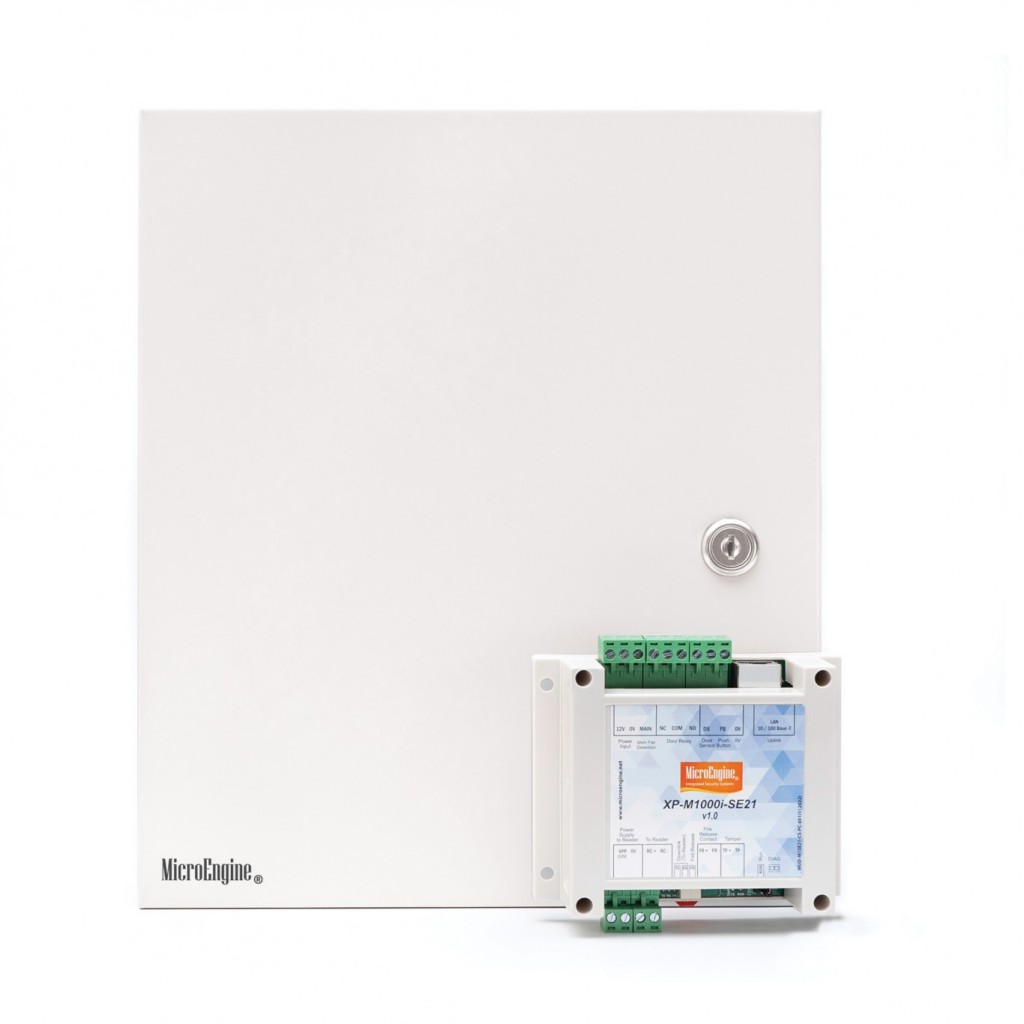
1 Door IP Access Controller
- Encrypted IP
- Direct TCP/IP
- High Capacity
- Supports Up to 16 Digits
FeaturesConfiguration DiagramDocumentationProduct VideoFAQ
| No | Item | Features |
| 1. | No. of Doors | 1 Door |
| 2. | No. of Readers | Max 2 Readers (Plato Readers) – 1 Entry / 1 Exit |
| 3. | Wiegand / ABA Reader | No |
| 4. | Connection to PC | IP LAN (10/100 Base-T) |
| 5. | Connection to Readers | Serial RS485 (ME Proprietary Protocol) |
| 6. | Card Holders | 10,000 (16 Digits) |
| 7. | Transactions | 50,000 |
| 8. | Time Setting | 255 Time Sets / 255 Time Zone (No Access Level Limits) |
| 9. | Holiday | 30 (2 sets) |
| 10. | Inputs | 1 Door Sensor + 1 Exit Button + 1 Dedicated Fire Alarm Input + 1 Dedicated Tamper |
| 11. | Door Relay Output(s) | 1 (Dry Contact) |
| 12. | Encrypted IP | Yes – AES 128 |
| 13. | Global Anti-Passback | Yes – Use SNET-GAC |
| 14. | Real Time Clock | Yes – with On Board Battery |
| 15. | Power Fail Monitor | Yes – with Power Level Monitoring |
| 16. | Firmware Upgrade | Download from Software |
| 17. | Diagnostic | Yes – Using Built in Web Browser |
| 18. | Onboard LED Indicators | Yes – Power Input, Main Fail, Run, RS485 Reader Comm. (RX & TX), Fire Alarm |
| 19. | Onboard Buzzer | No |
| 20. | Processor | Microchip PIC32 – 32 bit RISC MCU at 80 MHz |
| 21. | Memory | Program (FLASH: 512KB); DATA (EEPROM: 128KB, FLASH: 4MB) |
| 22. | PCB Board Dimension | 93.3mm (L) x 87.6mm (W) |
| 23. | Casing Dimension | 40mm (H) x 115mm (W) x 106mm (L) |
| 24. | Power Consumption | Typically 150mA (12VDC) |
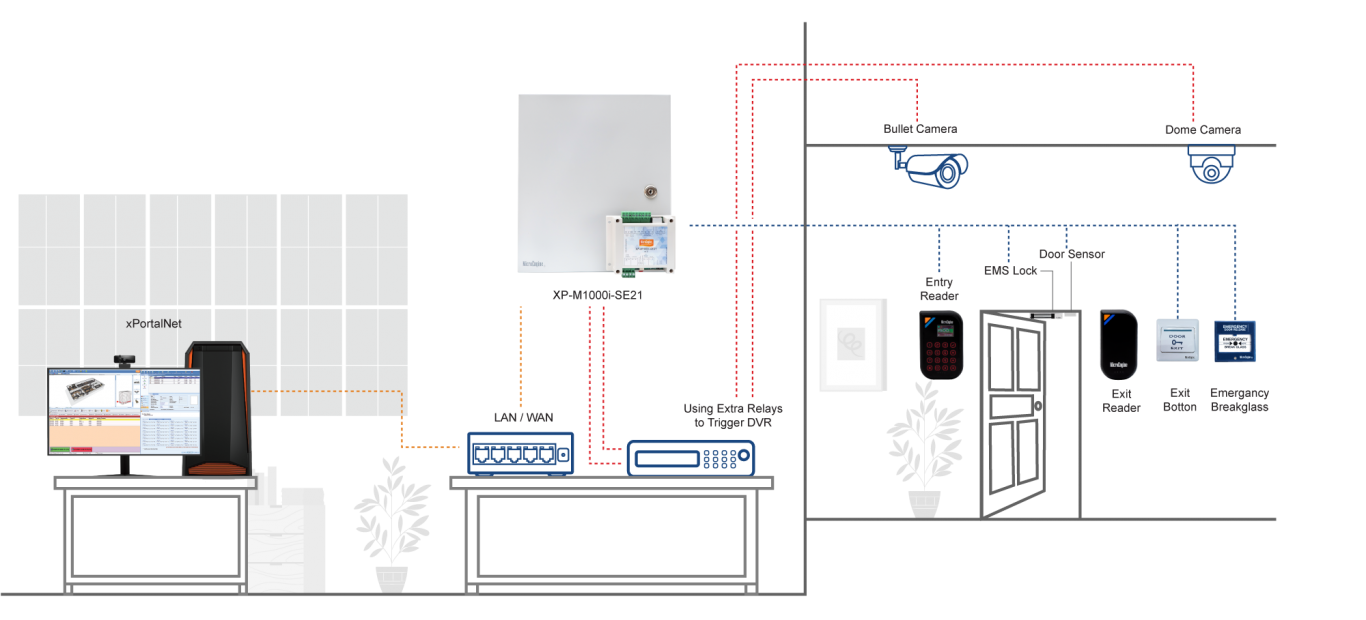
| No | Documentation |
| 1. |  DATASHEET-2023_XP-M1000i-SE21 DATASHEET-2023_XP-M1000i-SE21 |
| No | Product Video |
| 1. |  XP-M1000i-SE21 Product Video XP-M1000i-SE21 Product Video |
FAQ